Watch the work move.
Four steps from an empty board to a team that sees every change, with AI to help.
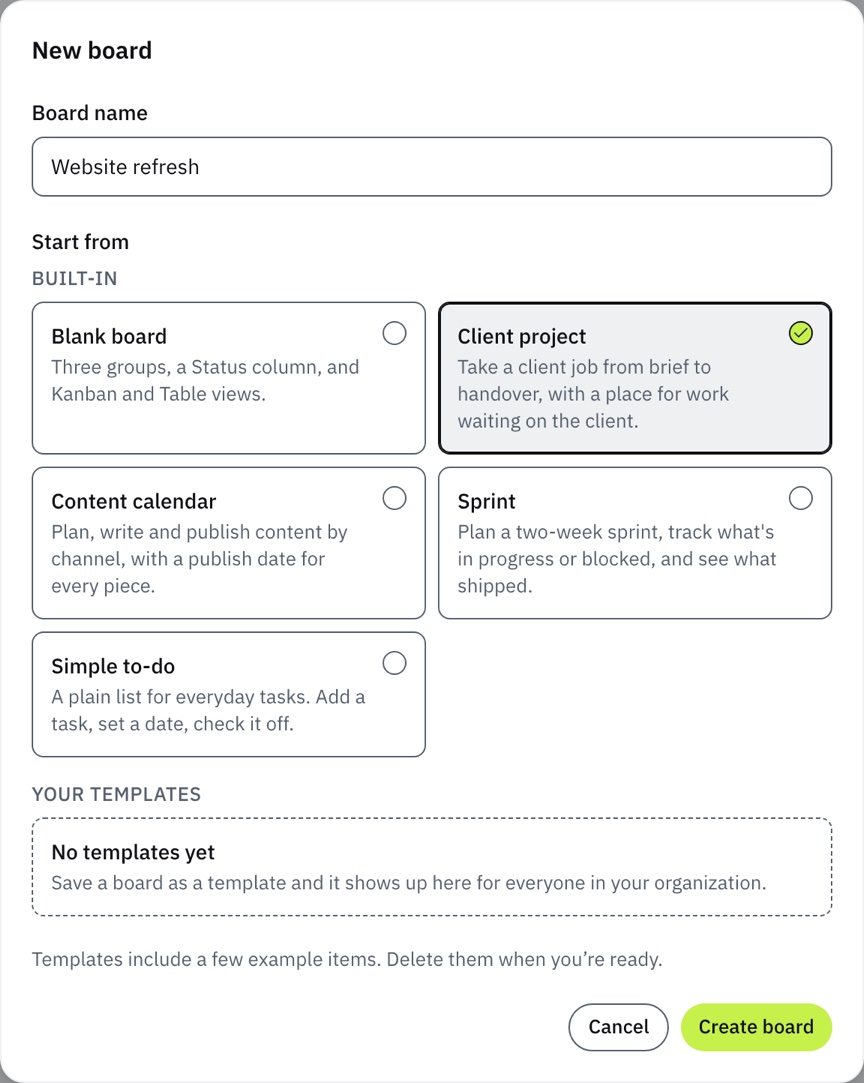
Start a board.
One board per client or project. The columns are ready: To do, In progress, Waiting on client, Done.
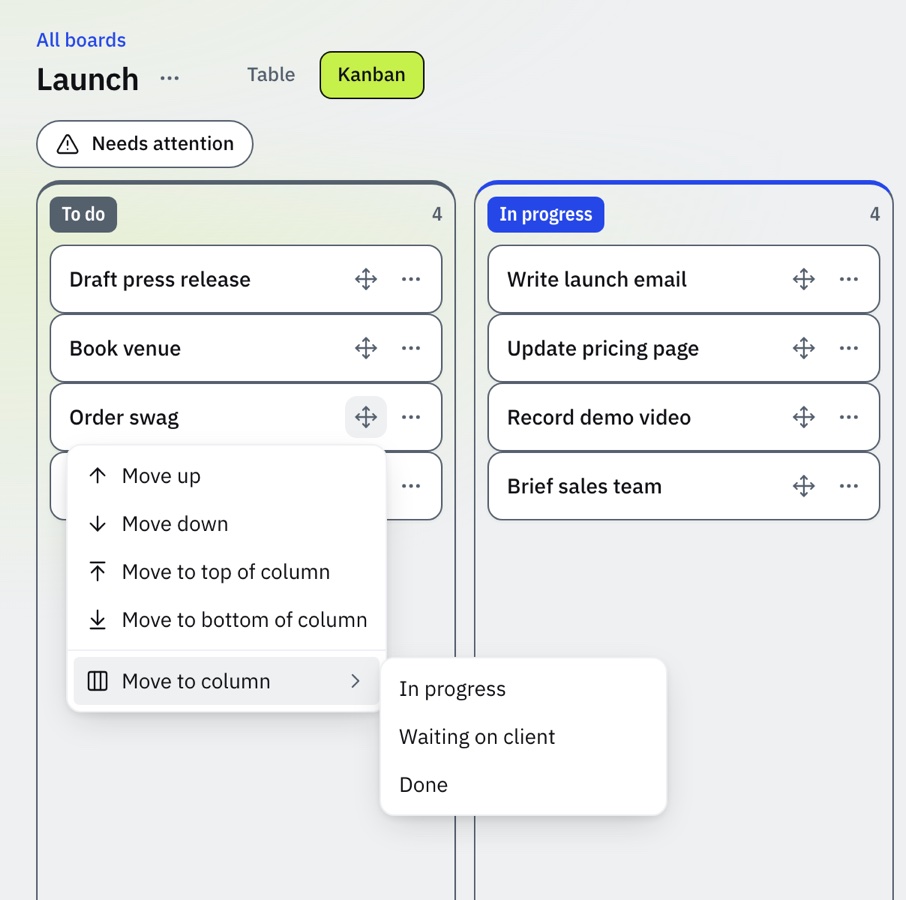
Move it your way.
Drag a card, or use the keyboard and the Move menu. Screen readers announce every move.
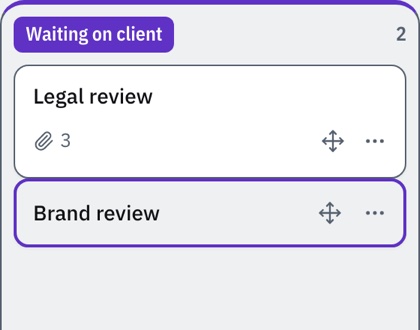
Watch it land.
When someone else moves a card, it arrives on your screen right away, marked so you can spot it.
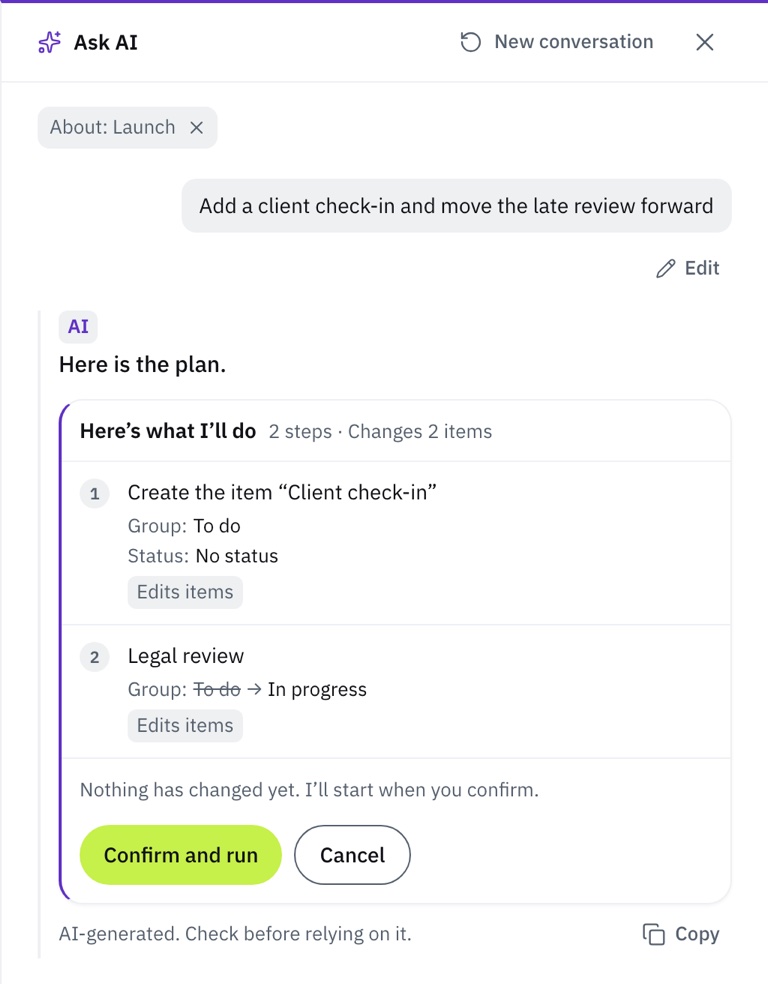
Hand some of it to AI.
Open Ask AI on any board to ask what’s late, or to have it add and move items for you. It shows you a plan first, and nothing changes until you confirm. Ask AI is on by default, and an Owner or Admin can turn it off.
You can also connect Claude Code and other AI tools to your boards with a token from Settings → Connected tools, once an Owner or Admin allows it. Keep the token private, and never paste it or a password into a chat.
Some things always stay with a person: signing in, payments, deleting an organization and creating tokens.